Project Gallery
To add your real photos, replace the images inside the images folder with the same file names.
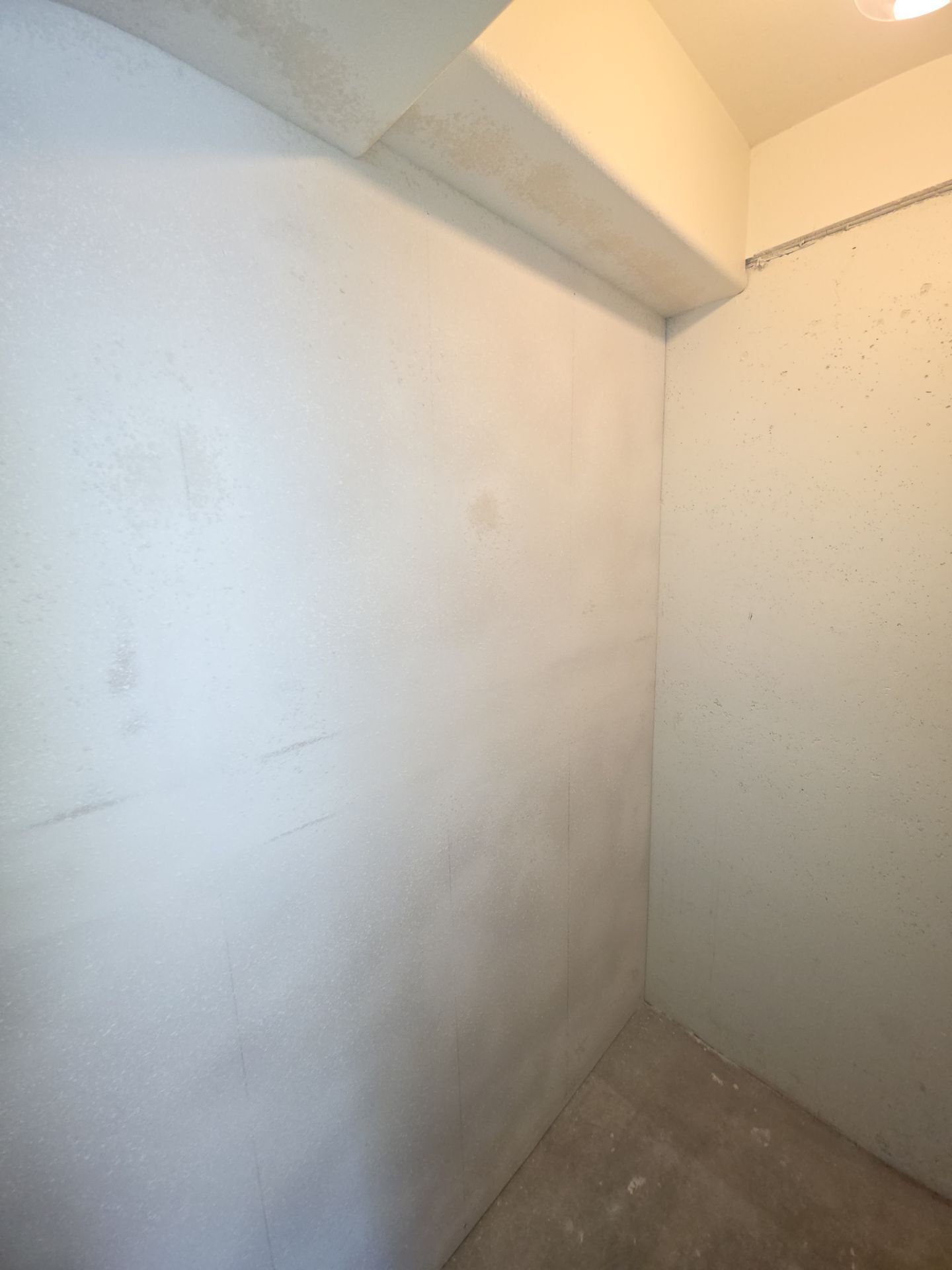
Drywall Repair
Replace this placeholder with your real project photo using the same file name.
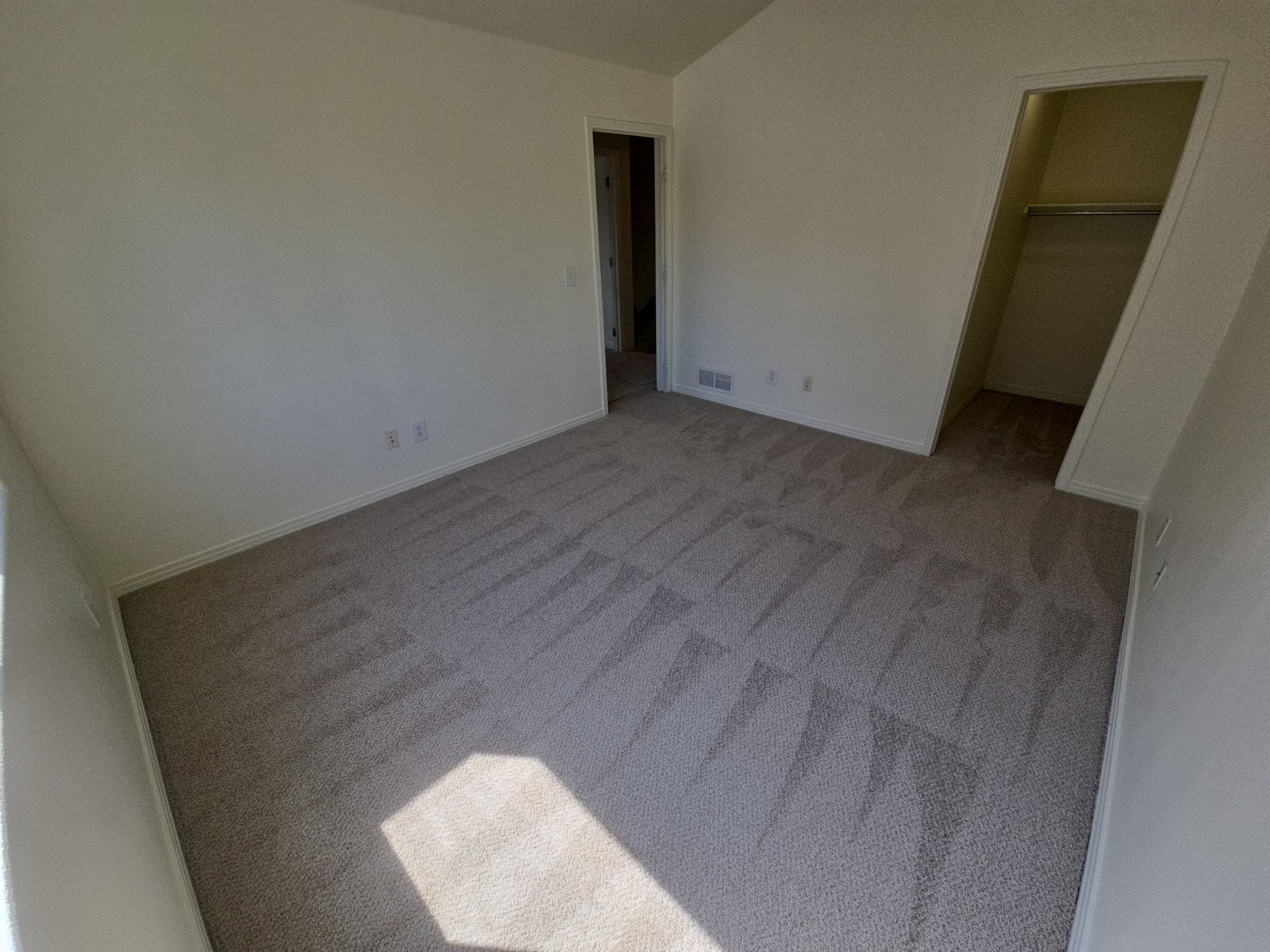
Flooring Install
Replace this placeholder with your real project photo using the same file name.
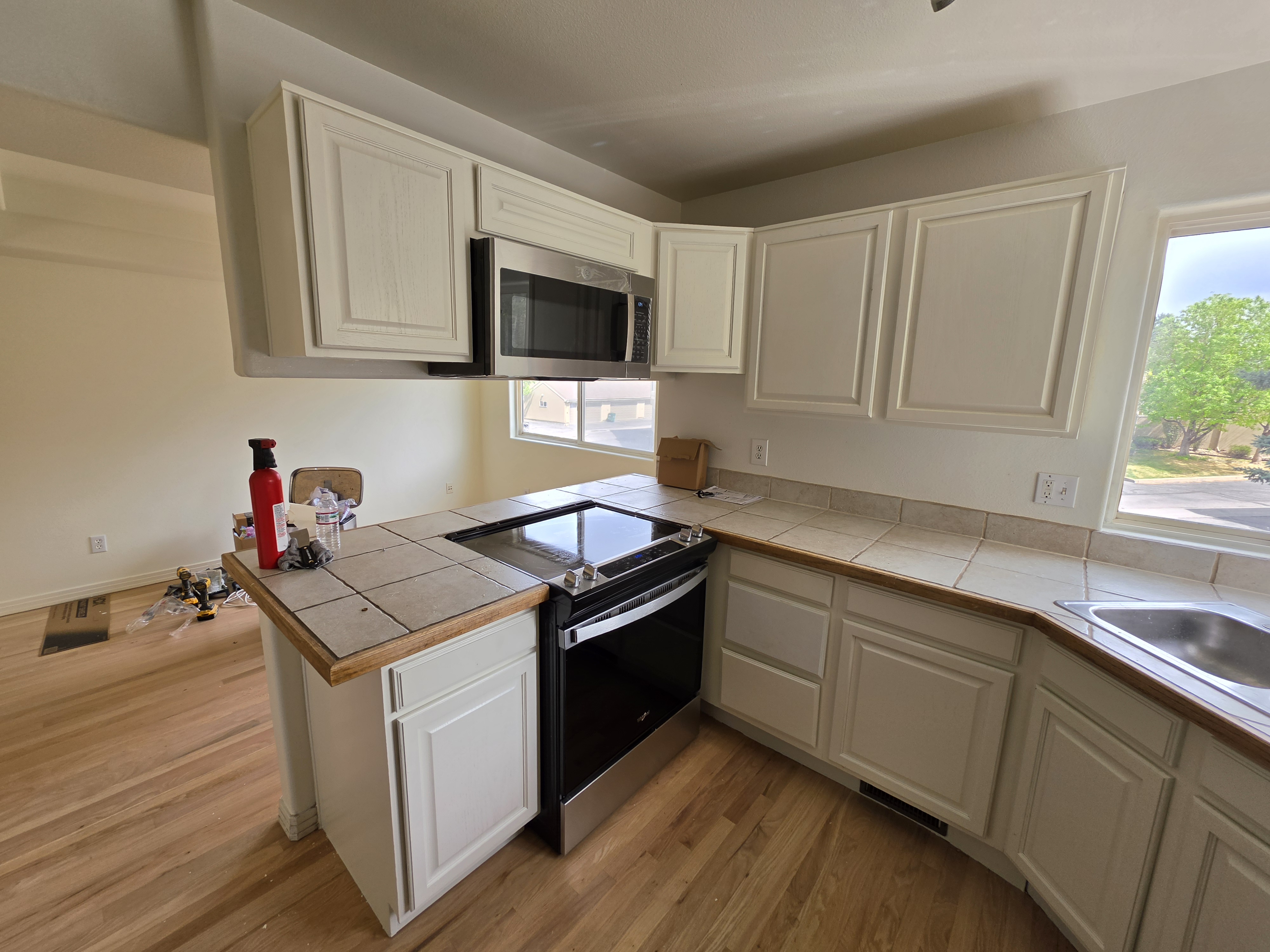
Painting Project
Replace this placeholder with your real project photo using the same file name.
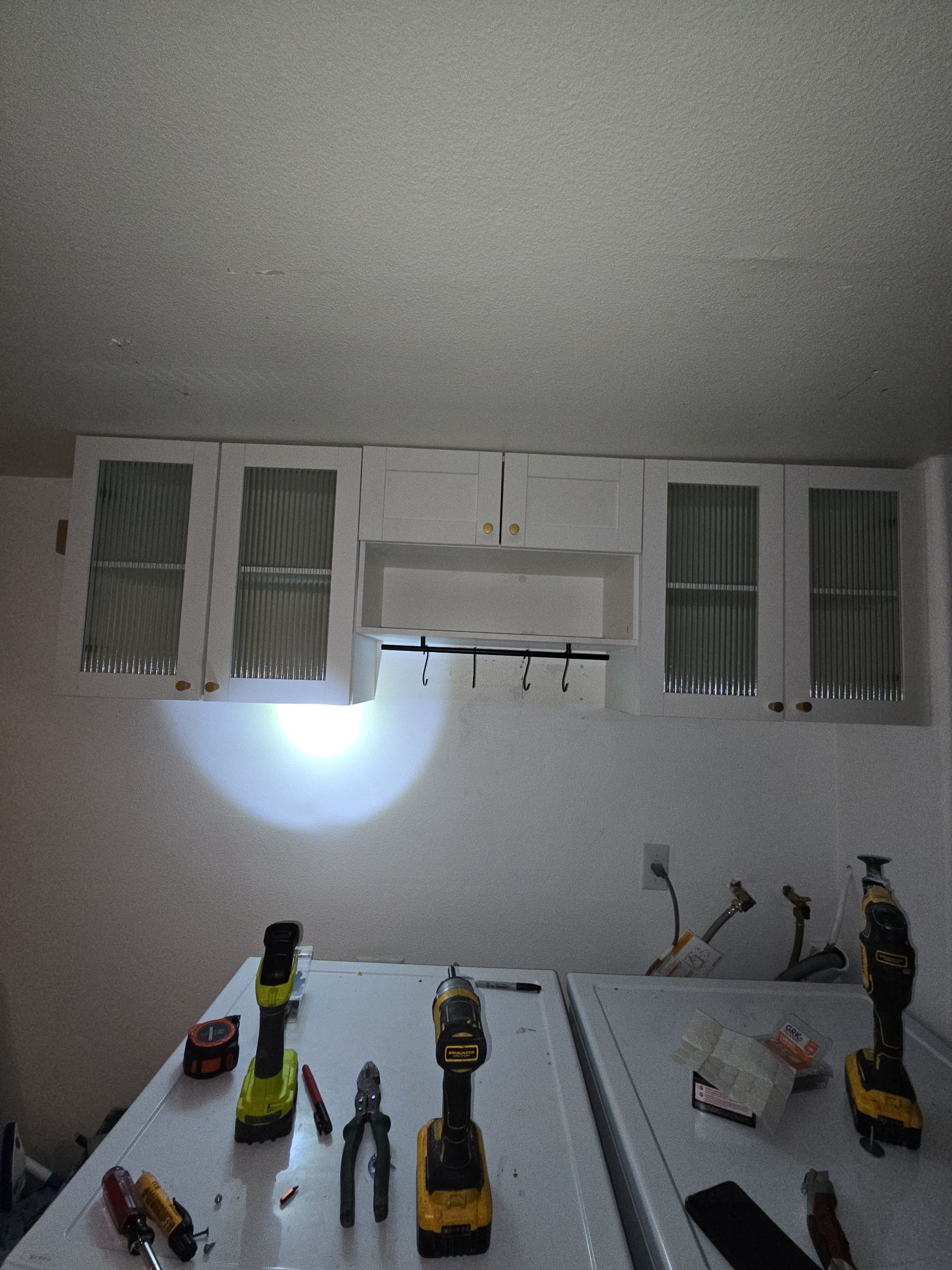
Cabinet Work
Replace this placeholder with your real project photo using the same file name.
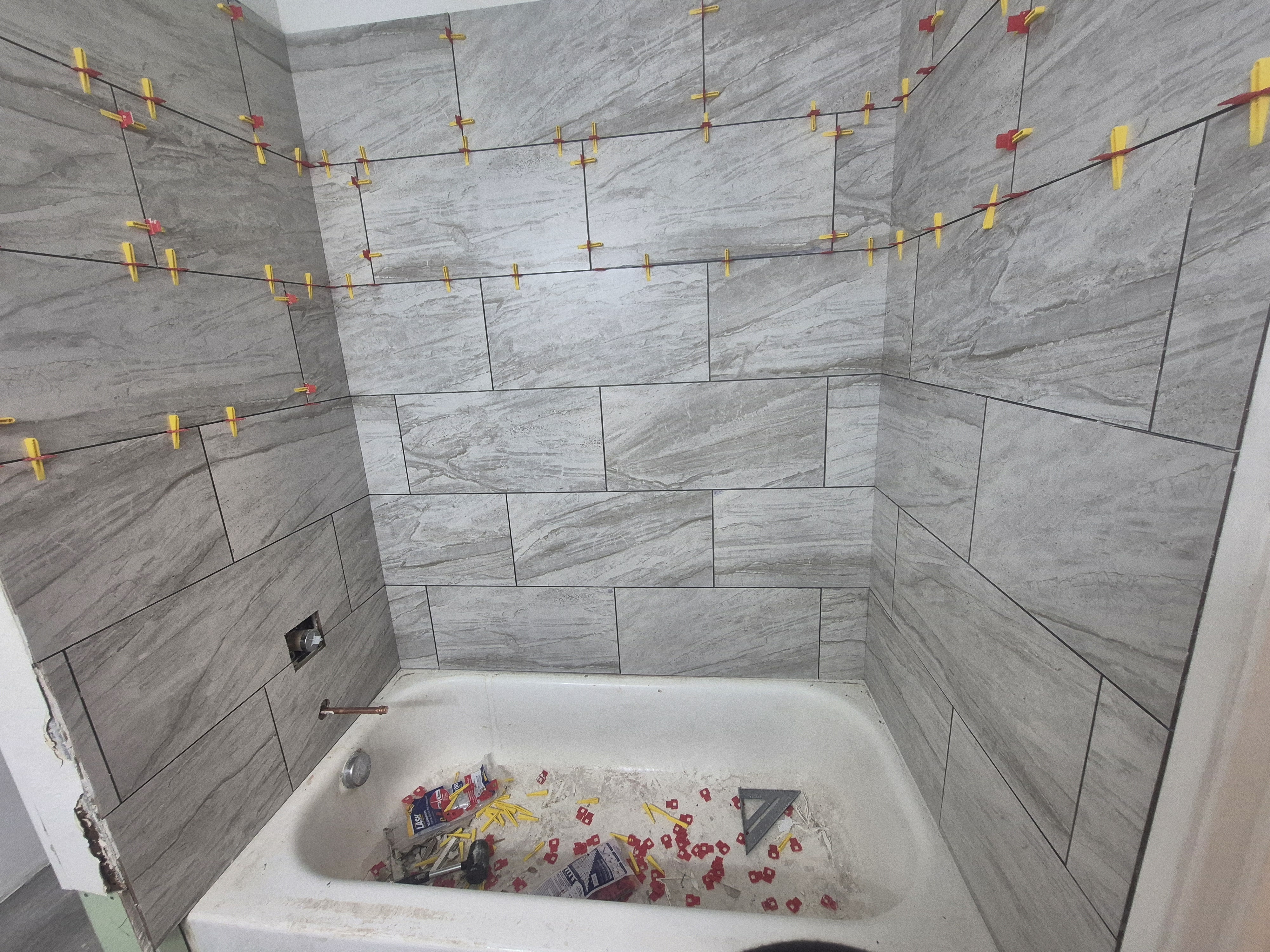
Shower / Tile
Replace this placeholder with your real project photo using the same file name.
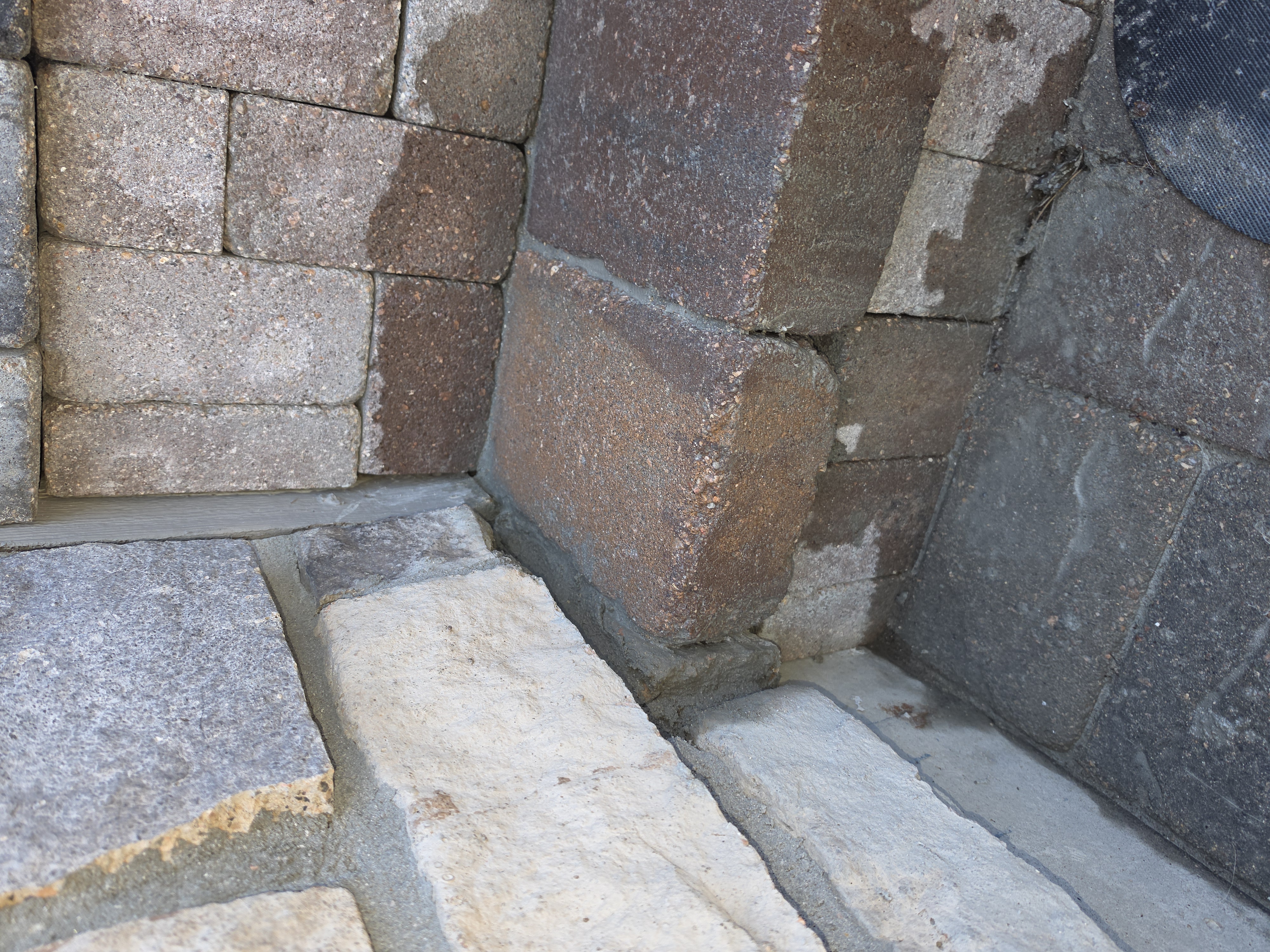
Handyman Repair
Replace this placeholder with your real project photo using the same file name.